If you would like to use an iPad to complete the memory games, please follow the instructions below before starting. You will need to have your email set up on your iPad. Please note: Memory games must be completed using Safari (web browser) if you are using an iPad.
Setting-up Your iPad
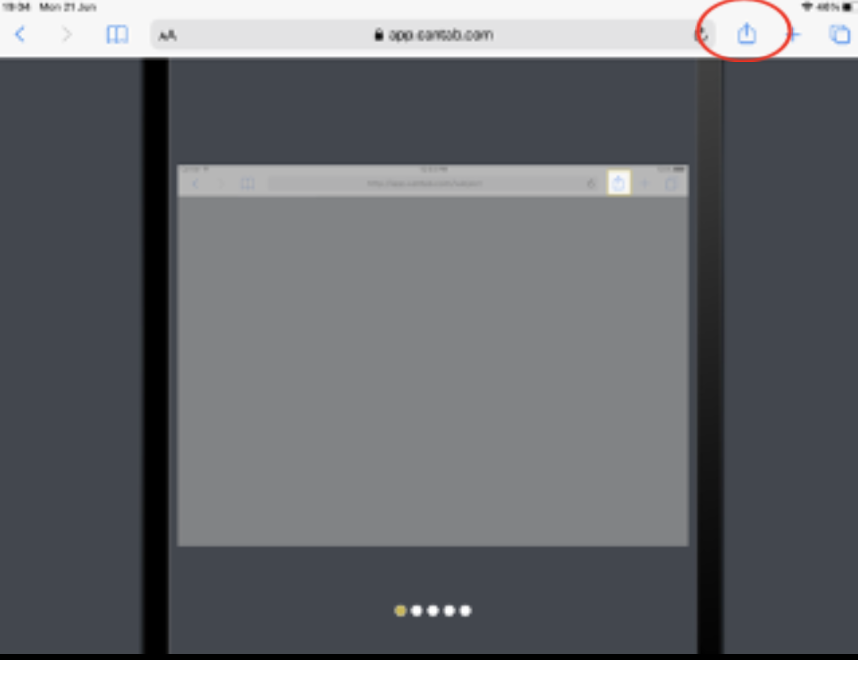 |
|
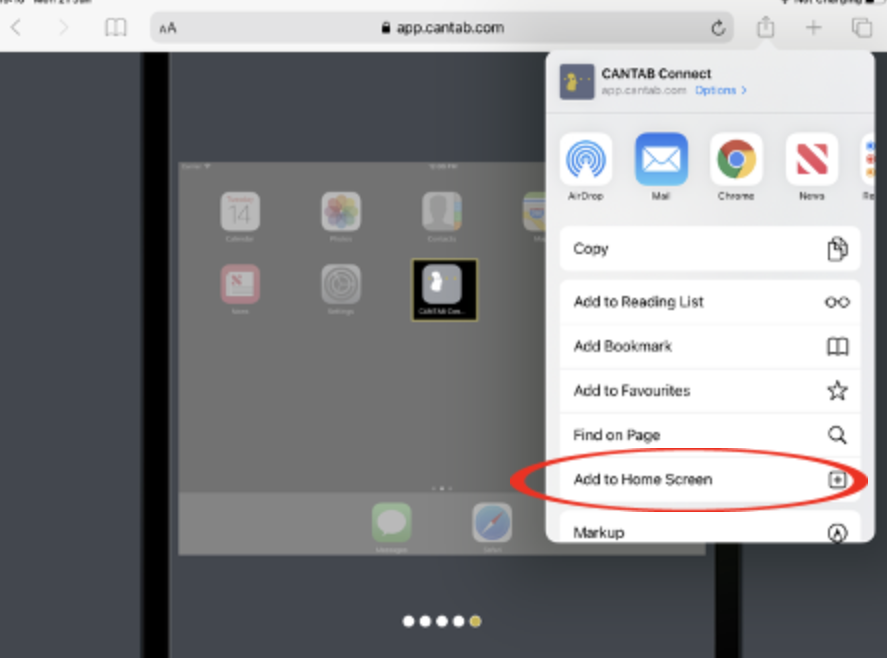 |
b. Select ‘Add to Home Screen’ from the options presented (circled below). |
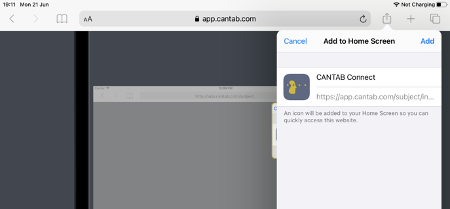 |
3. Tap on Add when this final screen is presented. |
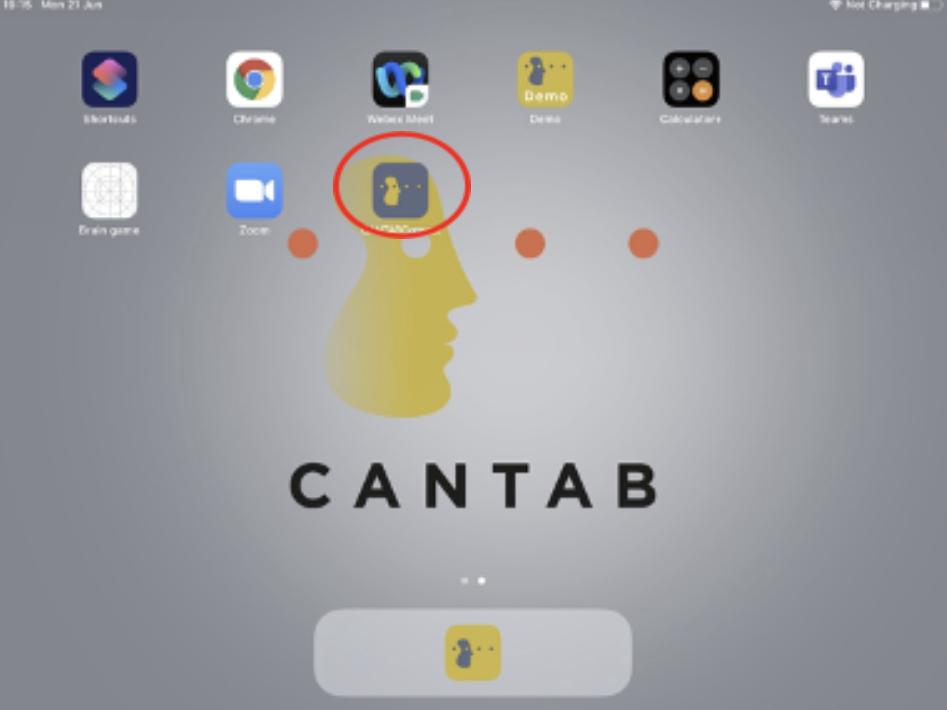 |
You will now have a CANTAB Connect app installed on your home screen and can tap on this app to complete the memory games. Please do not complete the memory games until you receive an email from Achievement Studies asking to do so and please do not complete the visit multiple times. Note about Software Updates: if the iPad prompts you to upgrade the iPadOS, please dismiss the notification and inform study support staff. Please only install new versions of iPadOS if study support staff confirms you can do so. |
Click HERE for more information on how to use your iPad